Portal

Products

Choose the product that fits you.

Terminal or smartphone, stationary or POS-integrated – the choice is entirely yours.

App

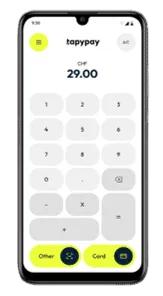
Turn any Android device into a payment terminal

Use the devices you already have. No new hardware needed.

Choose your package now

Who is it for?

Already using Android devices? Perfect.

  • Tablets at the checkout
  • Mobile devices in service
  • Self-scanning in-store
  • Self-checkout systems

The solution

One app. Every device. Every payment.

  • No terminal needed
  • No new hardware
  • No extra processes
  • Easy setup

Compatible devices

Runs on existing Android devices. One update is all it takes – and your device accepts payments.

  • Android tablets
  • Honeywell self-scanners
  • Datalogic logistics devices
  • Zebra self-checkout devices

Typical use cases
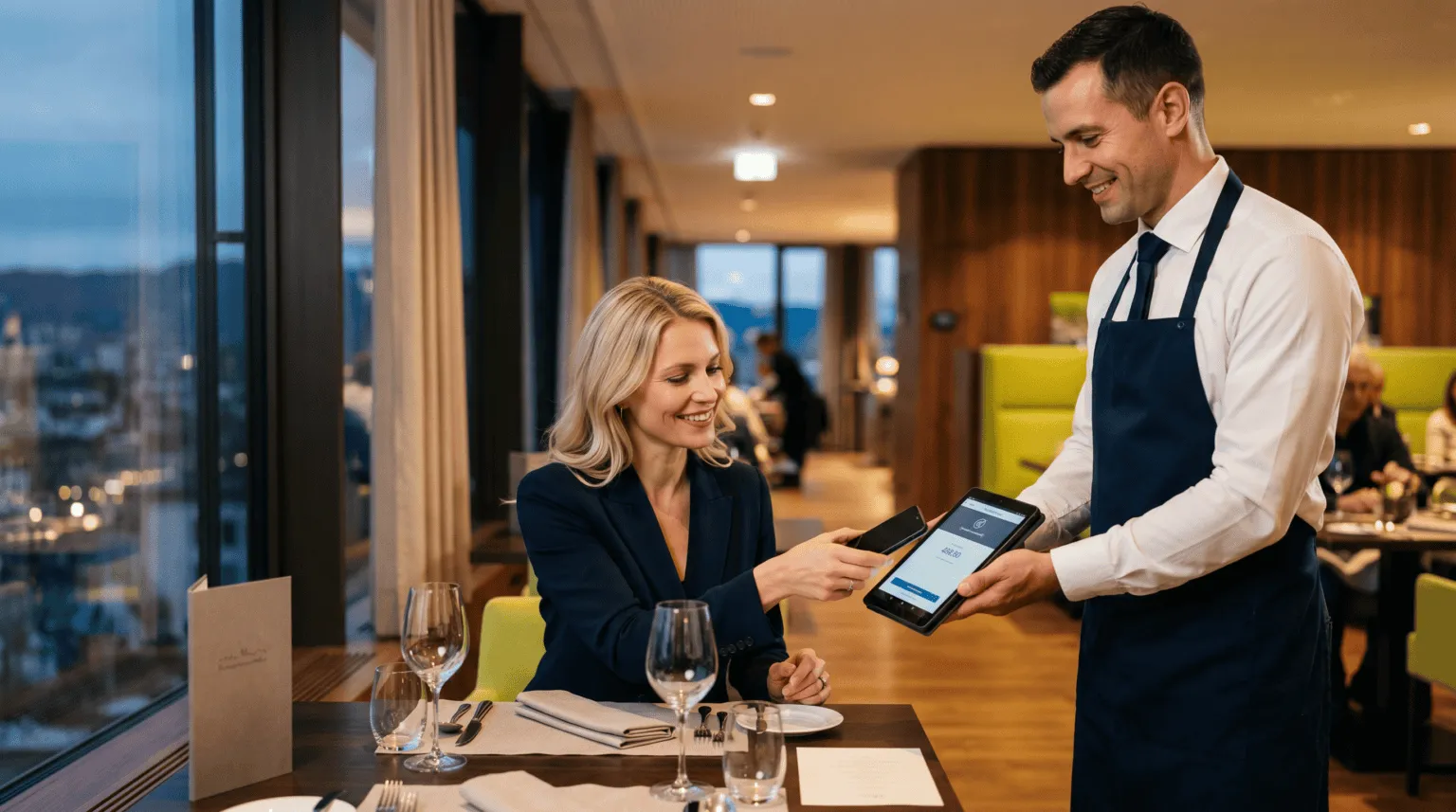
Restaurant / hospitality

Restaurant / hospitality

Service staff use a tablet. Ordering and payment happen on the same device.

  • Ordering and payment on one device
  • Faster service
Delivery services

Delivery services

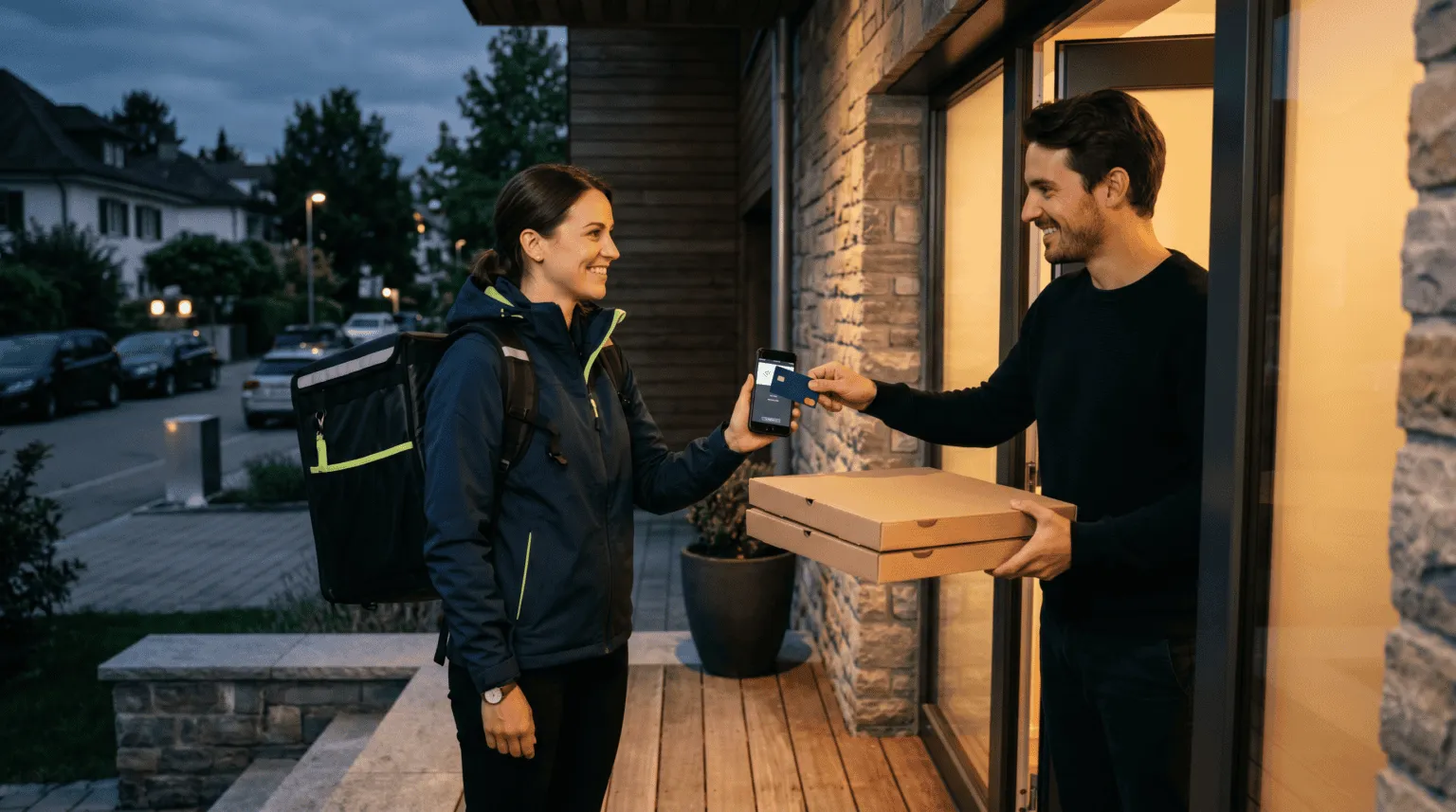
The driver uses a smartphone or an existing handheld. Payment is made via link or directly at the customer's door.

  • No separate terminal in the vehicle
  • Fewer failed deliveries
Retail / self-scanning

Retail / self-scanning

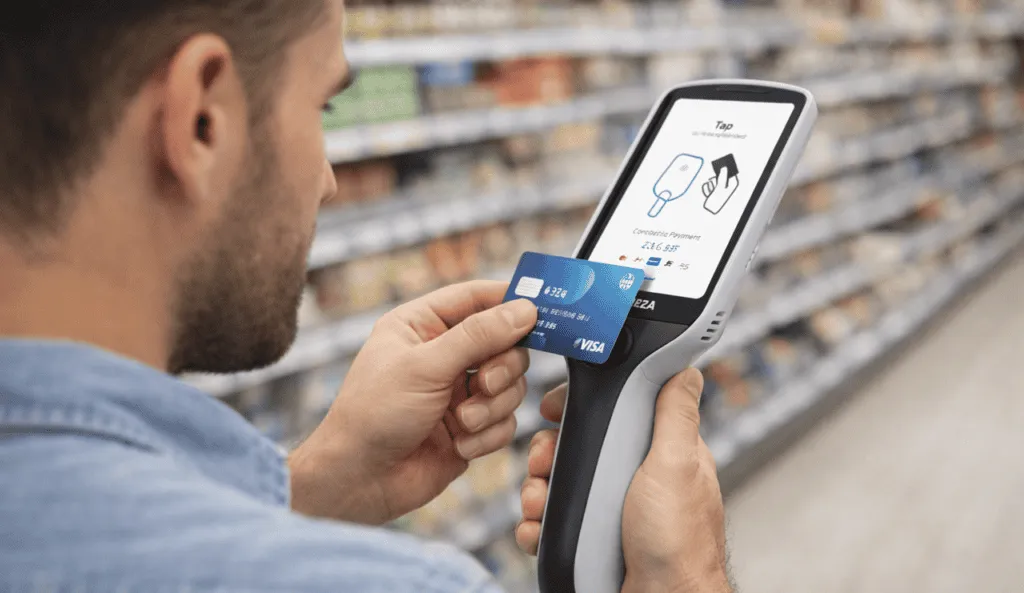
Customers scan the products themselves and pay right on the device – no trip to the checkout needed.

  • Shorter queues
  • Less pressure on checkouts
Self-checkout

Self-checkout

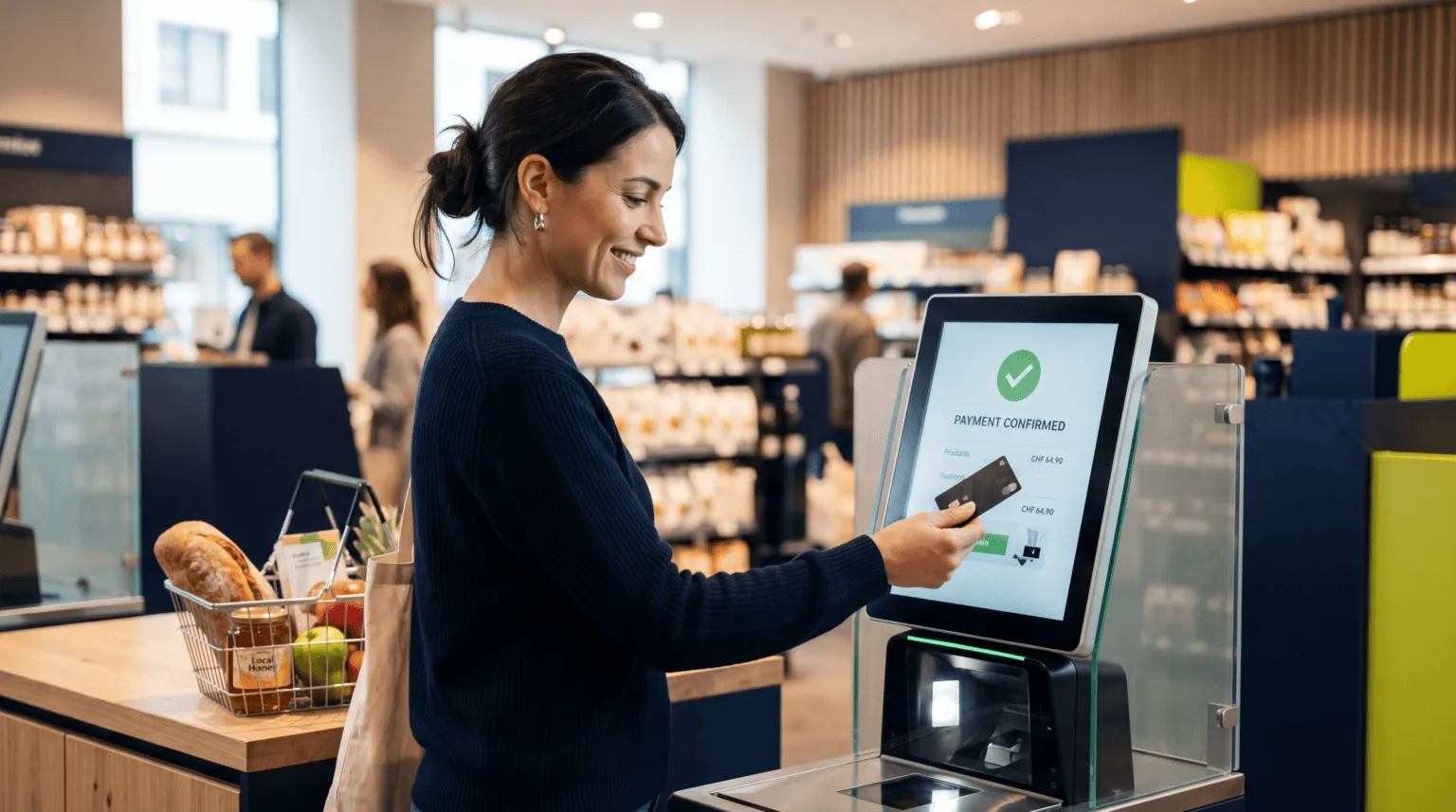
Customers scan, pay and complete their purchase right at the self-checkout. The adunopay App runs on the existing system – with no extra payment terminal.

  • No separate payment terminal
  • Less hardware at the checkout
Paying on the sales floor

Paying on the sales floor

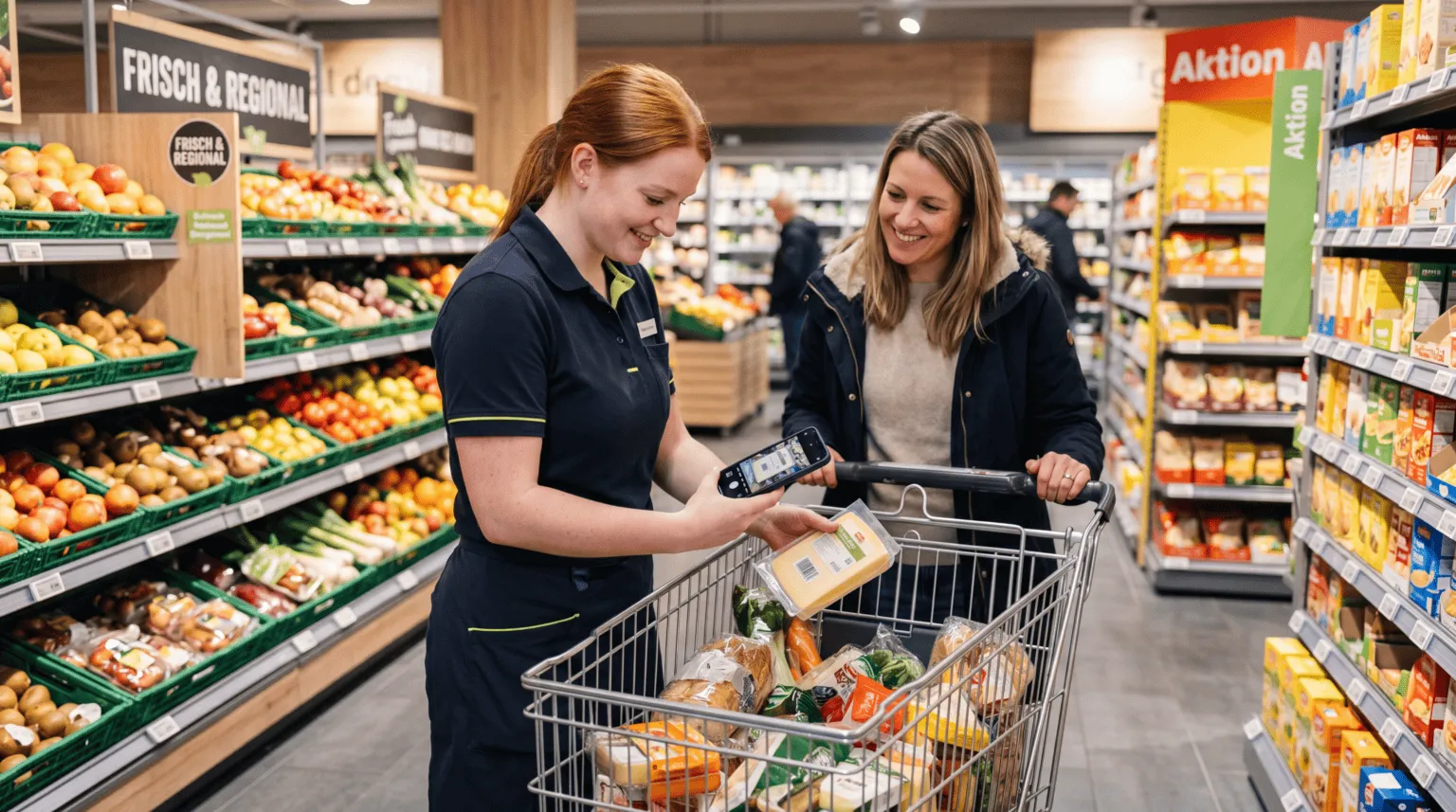
Staff advise customers right on the sales floor and complete the payment on the spot – all on a single device.

  • Close the sale right with the customer
  • Flexible backup solution

Benefits

No new hardware

Use Android devices you already have in use.

No new processes

Your existing workflows stay the same, with no new devices to add.

Ready right away

Install the app, activate it and start accepting payments.

Flexibly scalable

Add more devices at any time.

How it works
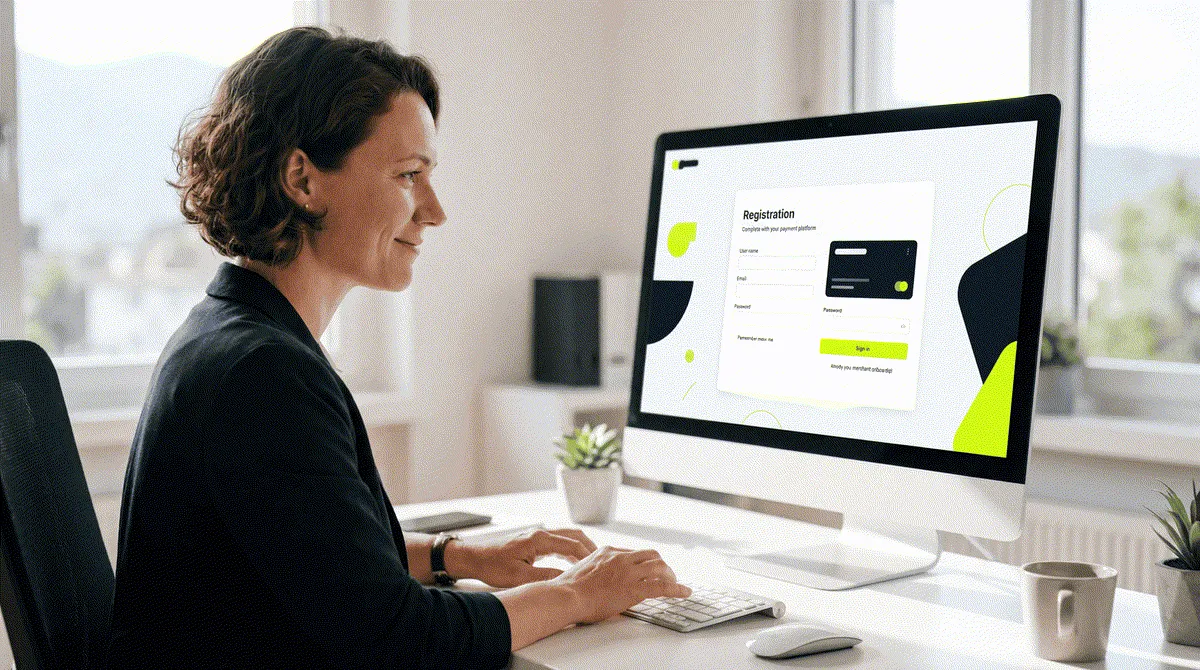
  1. Register

    Register

    Sign up online in just a few minutes.
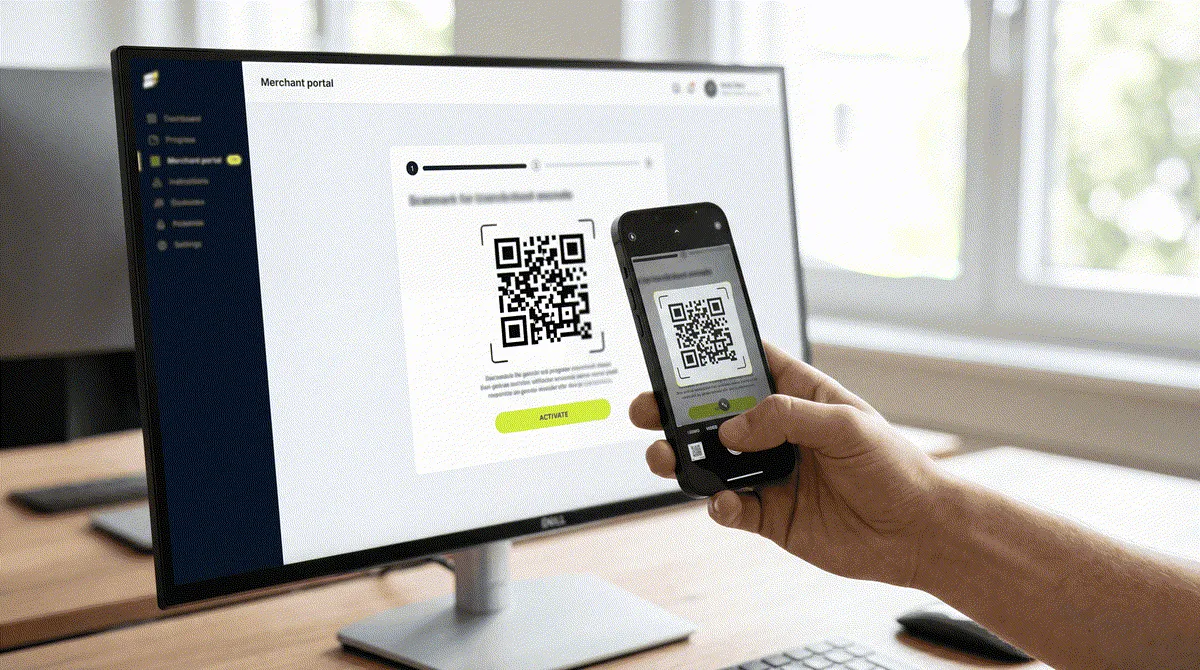
  2. Activate

    Activate

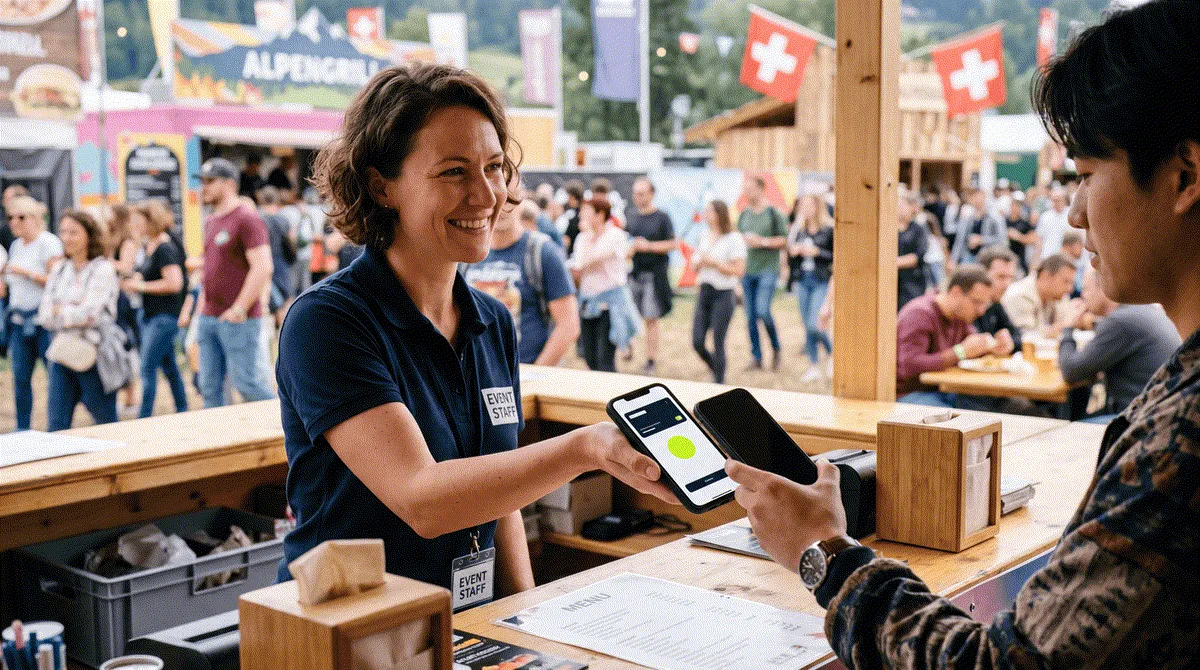
    Scan the QR code and activate your existing device.
  3. Take payments

    Take payments

    Accept cards, TWINT and mobile wallets.

Accept payments

  • Card payments
  • TWINT
  • Apple & Google Pay
  • Digital receipts

Choose any device

  • SoftPOS app
  • Mobile terminals
  • Stationary terminals
  • Self-scanning devices

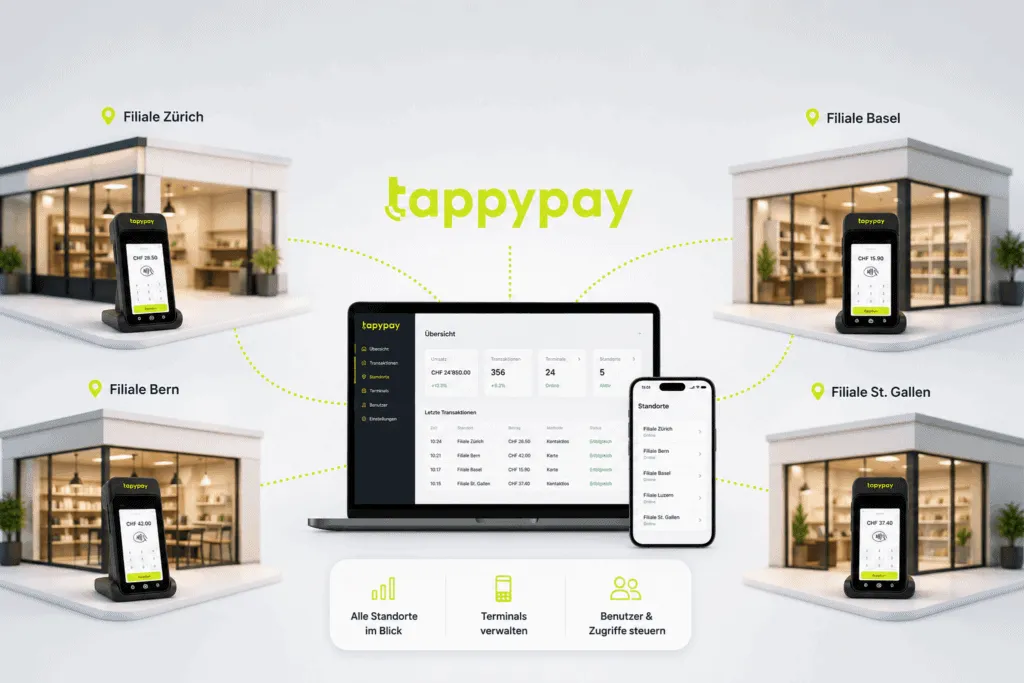
Merchant portal: everything at a glance

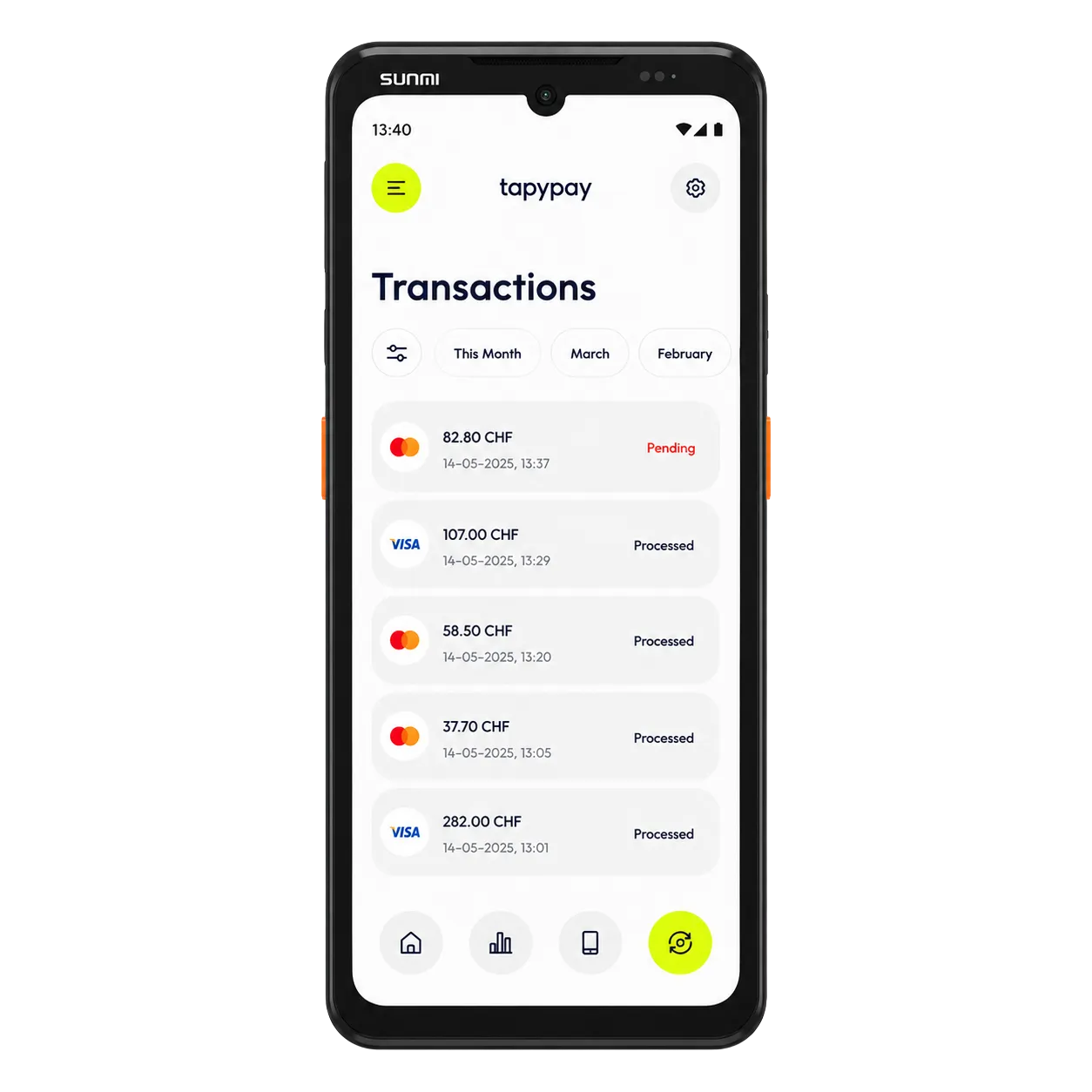
  • Transactions
  • Payouts
  • Users & locations
  • Roles & permissions

What the app can do

  • Contactless payment
  • Digital receipts
  • Transaction overview
  • Capture tips

Grows with your business

  • Expandable to a terminal anytime
  • Receipts on a separate printer possible
  • Integration into POS systems possible
Keep your devices. Just switch your payment solution.

Choose your package now

Mobile Terminal

Accept mobile payments. Anywhere.

Choose the device that fits your business. Everything included, ready to use right away.

Choose your package now

Two devices. One solution.

Choose the terminal that fits your business.

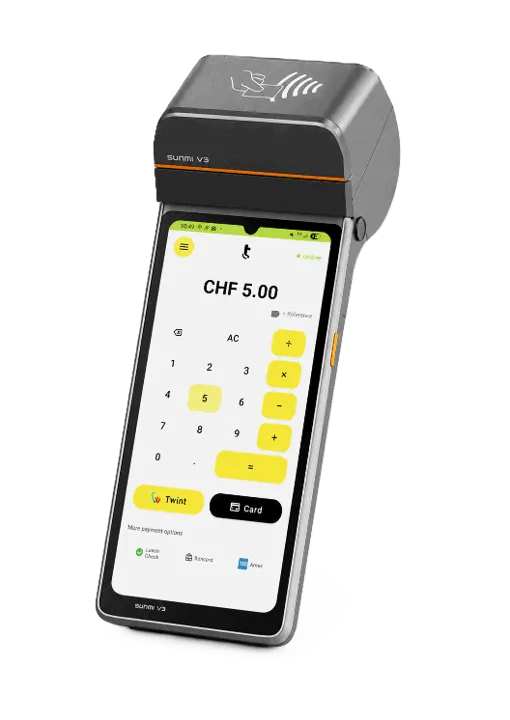
Terminal with printer

For businesses that print receipts regularly.

Terminal with printer

Powerful in everyday use for most applications.

  • Built-in receipt printer
  • Rugged pro terminal
  • For high transaction volumes
More info
Terminal without printer

Slim, rugged and waterproof to the IP67 standard.

Terminal without printer

Less hardware. More speed.

  • Slim, lightweight design
  • Ideal for digital receipts
  • Fast and easy to handle
More info

Typical use cases

Retail and beauty shops

Retail and beauty shops

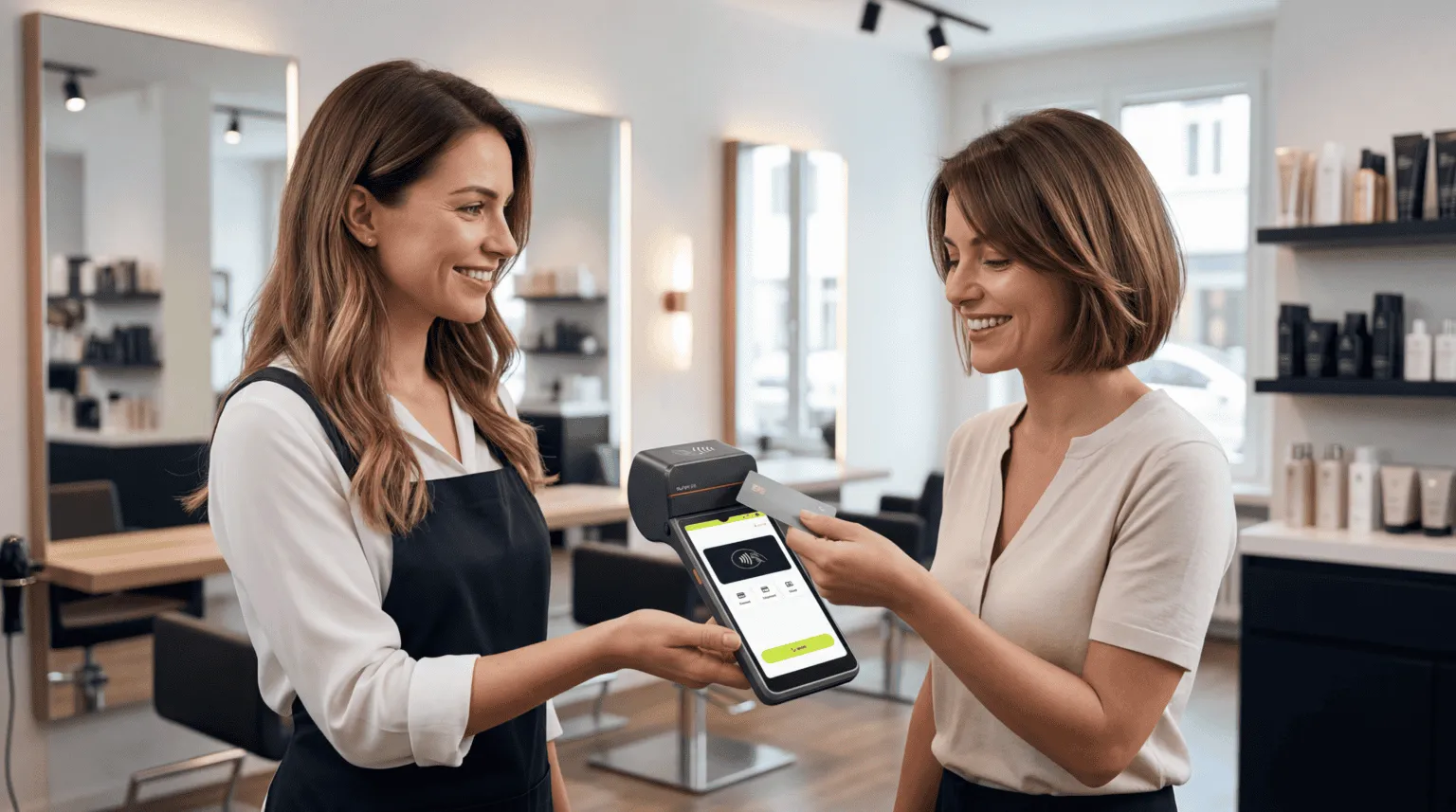
Take payments at a fixed point of sale or right on the shop floor. Ideal for shops, salons and service providers who want to work flexibly.

  • Classic checkout counter
  • Mobile payments in-store
  • Digital or printed receipts
Hospitality / take-away

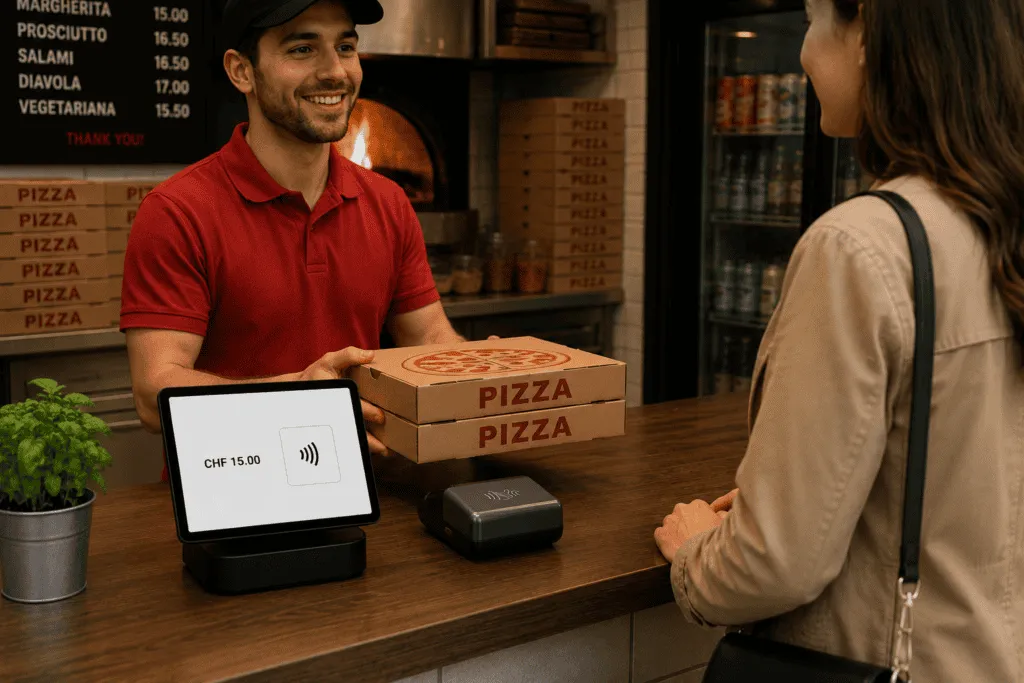
Hospitality / take-away

Take orders and payments in one go. Fewer trips for your service staff and faster workflows in day-to-day operations.

  • Take payments right at the table
  • Fewer trips for service staff
  • Faster everyday workflows
Events / pop-ups

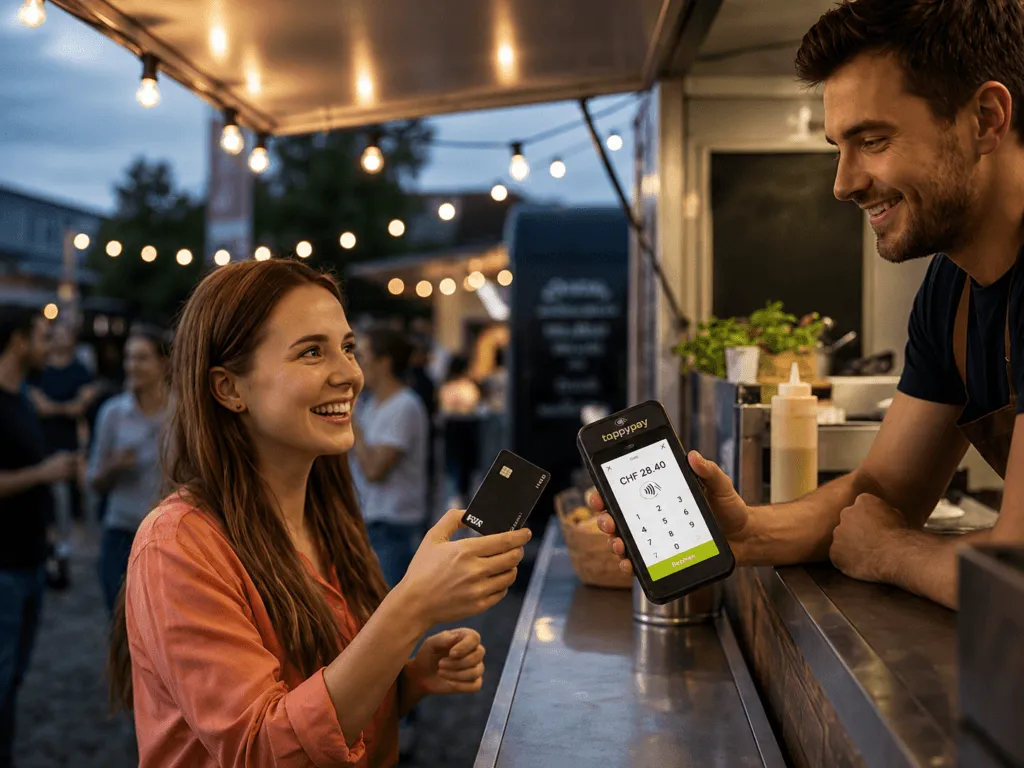
Events / pop-ups

Whether a festival, market stall or pop-up store – the terminal is ready to use instantly, wherever your customers are.

  • Ready to use instantly
  • WLAN and 4G built in
  • Ideal for temporary points of sale

Benefits

Everything in one device

Payment and, optionally, POS combined.

Ready to use instantly

WLAN and 4G already built in.

Reliable every day

Rugged for daily use.

Flexibly scalable

Add more devices at any time.

How it works

  1. Register

    Sign up online in just a few minutes.

  2. Activate

    Scan the QR code and activate the delivered device.

  3. Take payments

    Accept cards, TWINT and mobile wallets.

Accept payments

  • Card payments
  • TWINT
  • Apple & Google Pay
  • Digital receipts

Choose any device

  • Combines with the app
  • Stationary terminals
  • Second display possible

Merchant portal: everything at a glance

  • Transactions & revenue
  • Users & locations
  • Roles & permissions

What the terminal can do

  • Contactless payment
  • Transactions in view at any time
  • Digital or printed receipts, your choice
  • Capture tips
  • WLAN & 4G built in

Grows with your business

  • Combines with the adunopay App
  • Integration into a POS solution possible
  • Expandable to a stationary dual setup

Choose your device. Start in just a few minutes.

Choose your package now

Stationary Terminal

Classic checkout. Done the modern way.

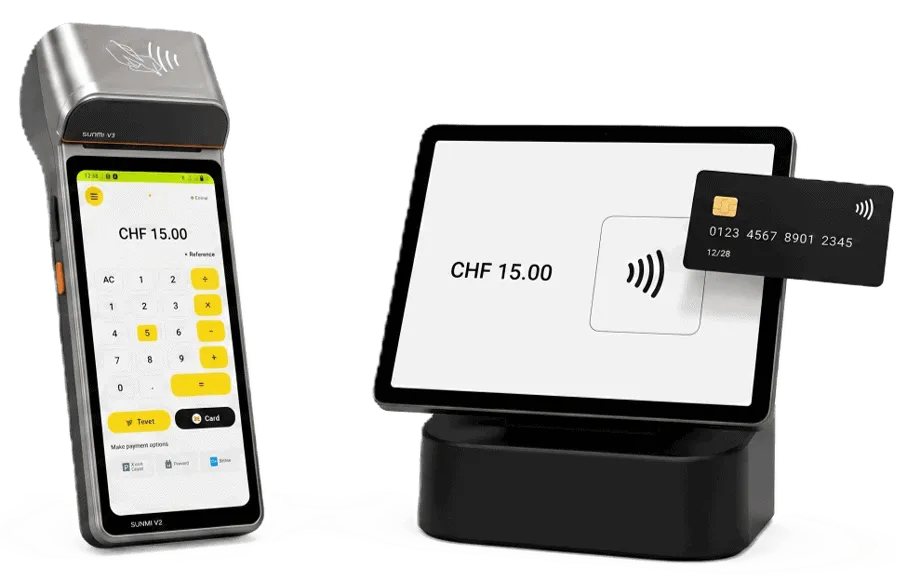
For fixed checkouts without POS integration. One device or two, one seamless flow.

Choose your package now

You decide how you take payments

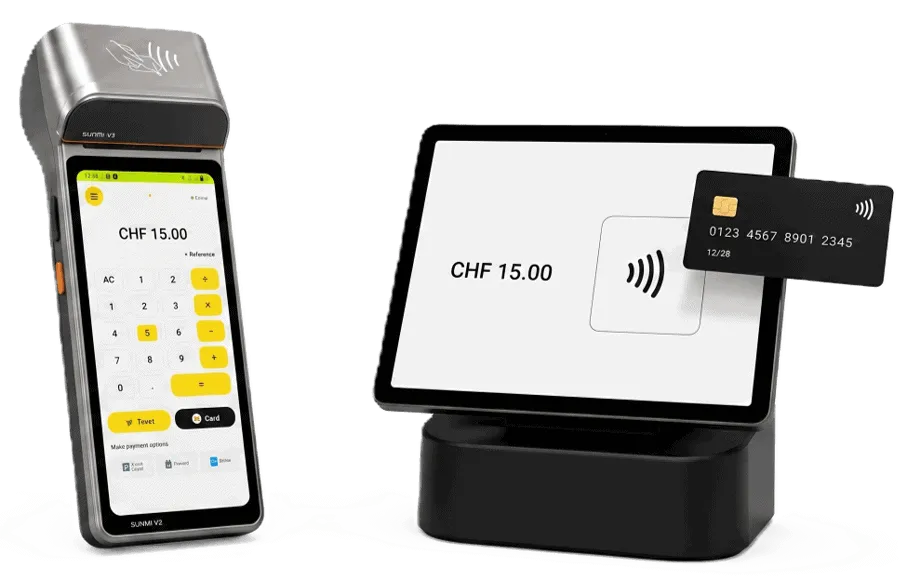
Two setups, one system – compact or as a classic duo.

Compact solution

Compact

Compact solution

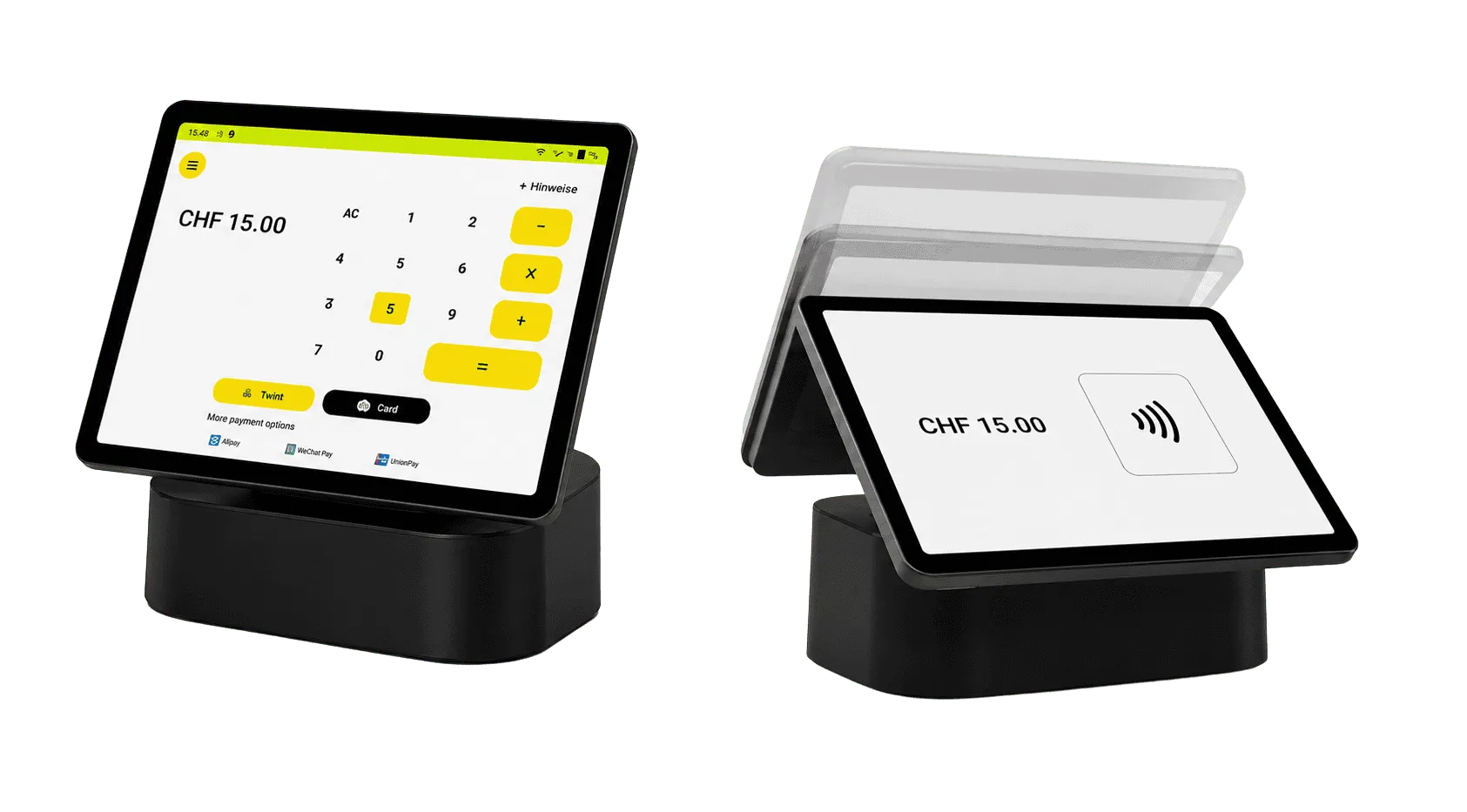
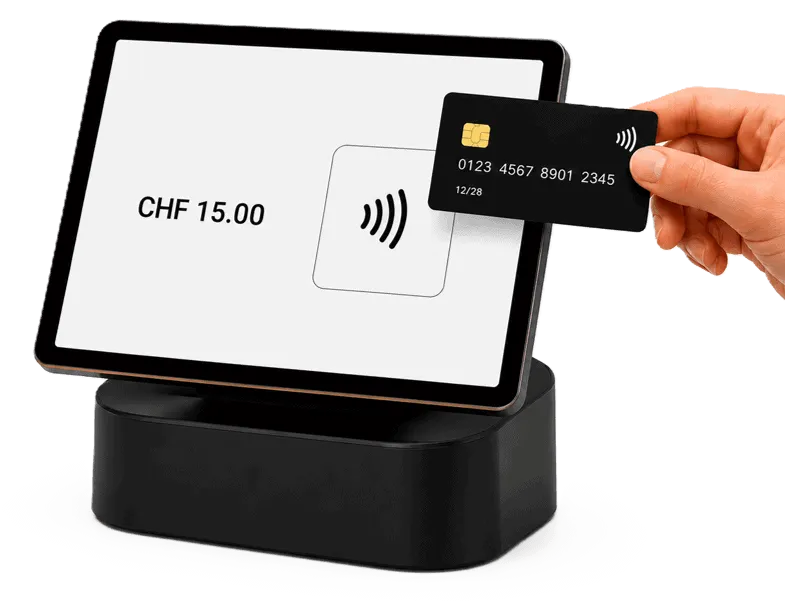
Thanks to the latest technology, only one device is needed: you enter the amount, turn the device to the customer, who taps their card and enters their PIN. Receipt digital or on a separate printer.

  • Only one device needed
  • Lower hardware costs
  • Detaches from the stand – also usable on the go
Dual setup

Autonomous

Dual setup

The amount is entered on the merchant device and shown on the customer display. The customer taps their card and enters their PIN, and the receipt prints on the merchant device. Included: merchant device, customer display and matching stand.

  • Clear separation between merchant and customer
  • Classic, familiar flow
  • Great for large sales counters

Typical use cases

Retail

Retail

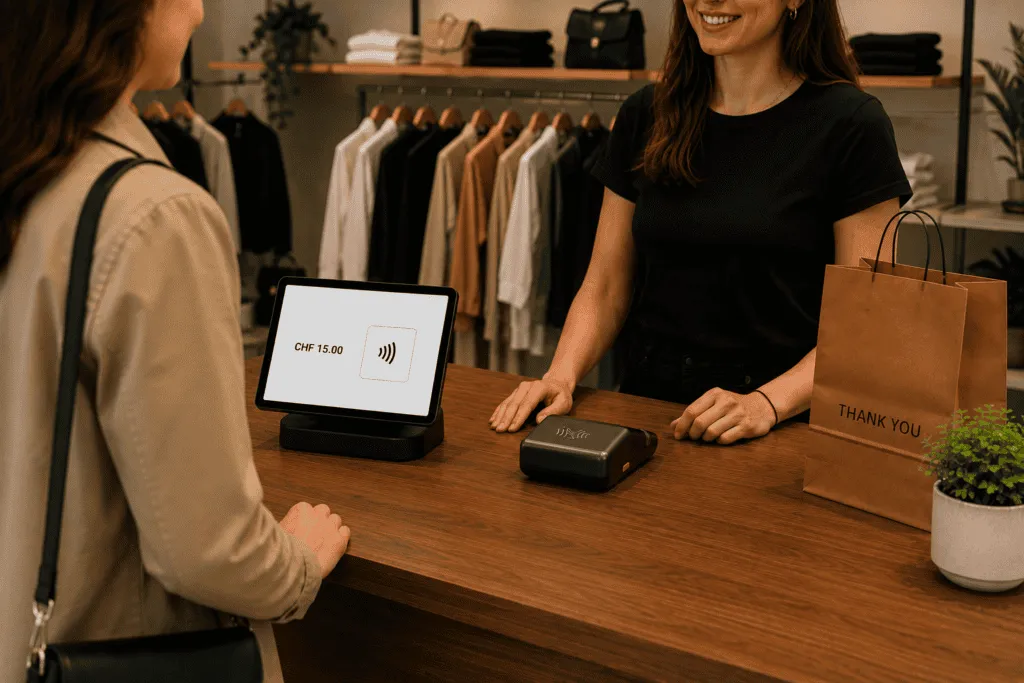
The classic solution for sales counters and fixed checkouts.

  • Classic checkout counter
  • Fixed checkout
  • Ready to use instantly
Take-away

Take-away

Fast checkout even during busy periods.

  • Clear merchant/customer separation
  • Fast operation
  • Shorter wait times
Ticketing

Ticketing

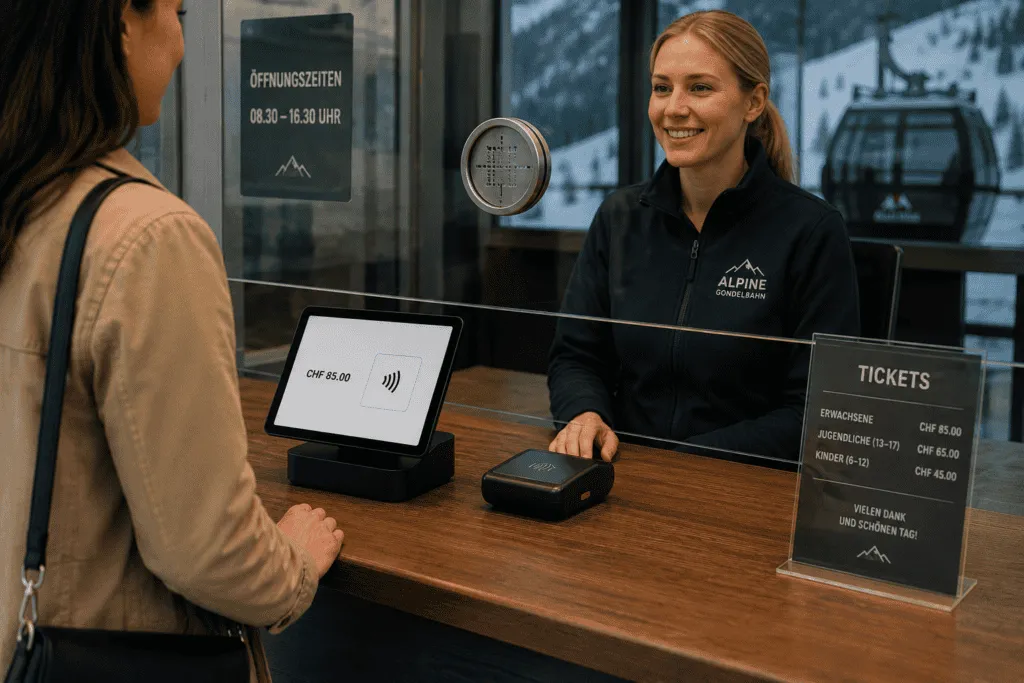
Ideal for installations behind protective glass, e.g. at mountain railways and parking garages.

  • Professional checkout
  • No extra cabling
  • Customer display available

Benefits

Classic flow

A familiar process for merchants and customers.

Flexible setup choice

One device or a dual setup – you decide.

No integration needed

Ready to use instantly, without a POS system.

Stable for continuous use

Reliable in daily use at the counter.

How it works

  1. Register

    Sign up online in just a few minutes.

  2. Activate

    Scan the QR code and activate the delivered device.

  3. Take payments

    Accept cards, TWINT and mobile wallets.

Accept payments

  • Card payments
  • TWINT
  • Apple & Google Pay
  • Use it stationary or mobile

Choose any components

  • Combines with the app
  • Interchangeable components
  • Connection to a POS system possible

Merchant portal: everything at a glance

  • Transactions & revenue
  • Users & locations
  • Roles & permissions

What the terminal can do

  • Contactless payment
  • Transactions in view at any time
  • Digital or printed receipts, your choice
  • Capture tips
  • WLAN & 4G built in

Grows with your business

  • Combines with the adunopay App
  • Connection to POS systems possible
  • Expandable for multiple checkouts

The checkout. As simple as it gets.

Choose your package now

POS-integrated

Integrated right into your POS.

Payment and POS in one flow. Without any extra steps.

Choose your package now

Who is it for?

For businesses with a POS system – for operations that already work with a POS and want to integrate card payments directly.

  • Retail and specialty stores
  • Hospitality
  • Multi-location businesses

The solution

The amount is passed automatically from the POS system to the terminal. Manual entry and typos are a thing of the past.

  • No double entry
  • Fewer errors
  • Faster workflows

Compatible devices

Integration works through existing POS API interfaces and is implemented together with your POS partner.

  • Proven integration with no hassle
  • Support with setup
  • Ready to use quickly

Typical use cases

Retail with a POS system

Retail with a POS system

The terminal is integrated right into your POS system. The amount is transferred automatically and payments are processed seamlessly.

  • No double entry
  • Faster workflows
  • Integrated checkout
Hospitality with a POS

Hospitality with a POS

Orders are entered in the POS as usual. The payment is passed directly to the terminal.

  • Direct connection to the POS
  • Fast checkout
  • Fewer errors
Multi-location businesses

Multi-location businesses

Consistent workflows across multiple locations. Ideal for companies with standardized processes.

  • Central control
  • Consistent workflows
  • Scalable across multiple locations

Benefits

Automatic amount transfer

No manual entry on the terminal.

Take payments faster

Fewer clicks for your staff.

Fewer errors

POS and payment data always match.

Seamlessly integrated

Works directly with your POS system.

How it works

  1. Consultation

    Together we work out which setup fits your POS.

  2. Register

    We sign up your business together.

  3. Activate

    We activate the devices together with your POS partner.

  4. Take payments

    Accept payments directly through your POS solution.

Accept payments

  • Card payments and TWINT
  • Managed through your POS
  • Automatic feedback to the POS
  • Free POS interface

Choose any components

  • Easily add more checkouts
  • Can be combined with mobile terminals
  • Interchangeable components

Merchant portal: everything at a glance

  • Transactions & revenue
  • Payouts
  • Users & locations
  • Roles, permissions & support

What the solution can do

  • Contactless payment
  • PIN entry right on the customer device
  • Transactions in view at any time
  • Digital or printed receipts, your choice
  • Automatic feedback to the POS
  • Automatic receipt output

Grows with your business

  • Connect more checkouts
  • Combine with mobile terminals
  • Manage through the adunopay portal
  • Expand to additional locations

Payment and POS. One flow.

Discuss your setup